
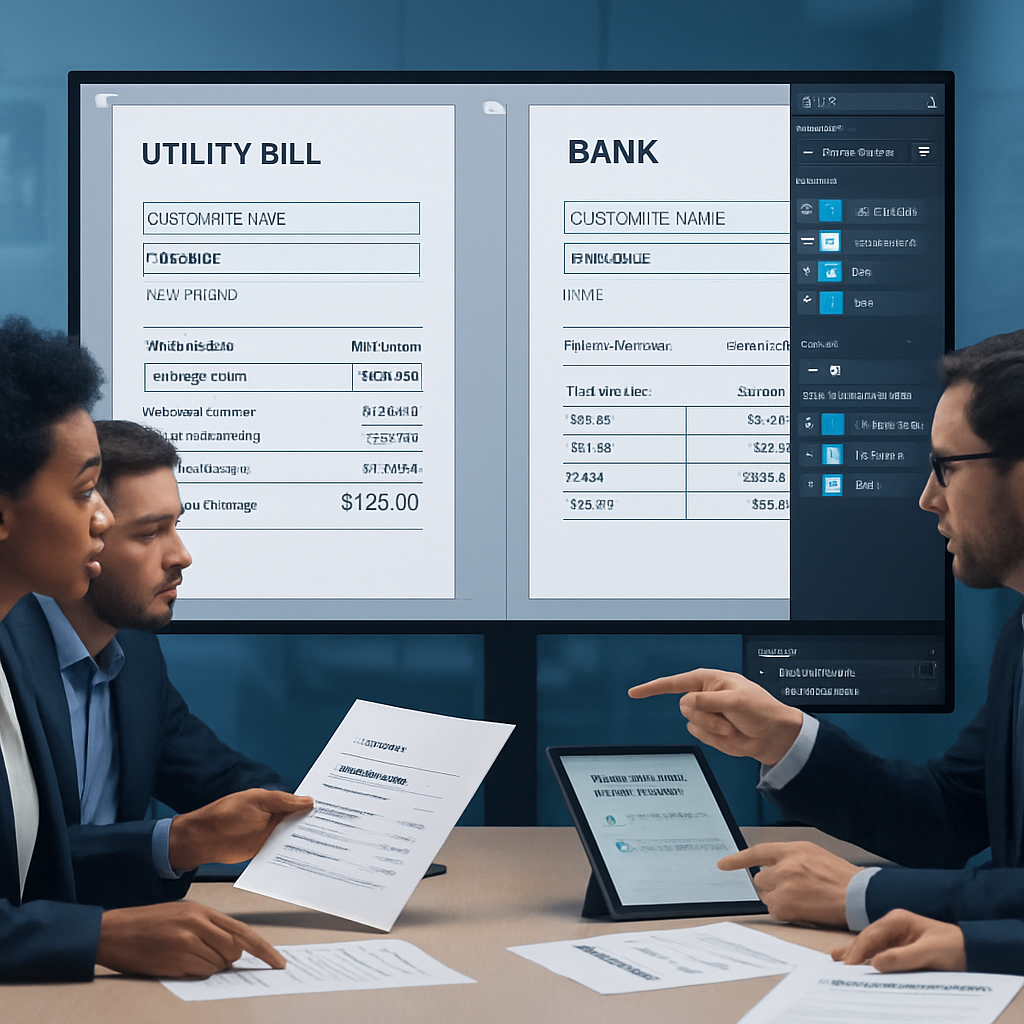
Confusing your proof of address documents with billing address information can lead to costly delays and document rejections. Understanding the distinct roles these documents play is essential for anyone preparing address verification documents, whether for personal records or professional use. Clear definitions and proper document selection help maintain accuracy and avoid common pitfalls when working with editable templates such as utility bills or bank statements.
This article explains the key differences between proof of address and billing address, highlighting which documents are typically accepted for each purpose. You’ll learn how to identify acceptable documents, spot common reasons for rejection, and apply best practices to ensure your address documents are up to date and properly formatted. Let’s explore how distinguishing these terms improves your document handling and reduces processing errors.
These templates and guidelines are intended for educational and professional use; they are not substitutes for official document submissions.
Understanding the distinction between proof of address documents and billing address information is crucial for accurate address verification. This article clarifies common misconceptions and highlights the specific documents accepted for each purpose to reduce errors and rejections.
- Define proof of address clearly: Recognize documents that confirm residency, such as utility bills and bank statements with your current address.
- Differentiate billing address from proof of address: Know that billing addresses often relate to payment methods but are not always valid proofs of residency.
- Identify accepted documents for each category: Utility bills are typically preferred as proof of address, whereas billing address verification may accept credit card statements.
- Spot reasons for rejecting proof of address documents: Outdated dates, mismatched names, or unsupported document types cause verification failures.
- Implement address verification best practices: Always ensure documents are current, legible, and issued by recognized providers to avoid costly mistakes.
- Leverage educational clarity to reduce confusion: Explicitly separating proof of address from billing address information helps prevent common verification errors.
Next, we will explore detailed examples of acceptable documents and actionable tips to prepare your proof of address documents effectively. These templates and guidelines are intended to support educational and professional uses; they do not serve as substitutes for official document submissions.
Optimizing Editable Document Templates for Proof of Address
Effectively working with editable document templates—such as utility bills and bank statements—starts with choosing formats that streamline customization and ensure consistency. Editable templates in Word, PDF, or PSD formats allow users to update key fields like names, addresses, dates, and charges with minimal effort while maintaining design integrity.
Choosing the Right Format: Word, PDF, or PSD
Each format offers unique strengths that suit different editing needs. Word templates are highly accessible, enabling quick text changes and basic layout adjustments without specialized software. PDF templates, especially those with fillable form fields, support controlled edits and are ideal for finalized documents requiring clean export. PSD templates provide advanced layer controls, perfect for users needing pixel-level customization, such as adjusting logos, backgrounds, and complex typography.
Select the format that best fits your editing workflow and software availability to maximize efficiency when customizing proof of address documents.
Implementing Placeholders and Layer Naming Conventions
In PSD or layered PDF templates, use clearly labeled layers and placeholders to separate editable text from fixed design elements. Name text layers according to content type—such as “Customer Name,” “Billing Address,” or “Date Issued”—to speed up identification during editing.
Placeholders in Word templates can be created using form fields or content controls that lock formatting but allow text input. This approach guarantees the template’s structure remains intact and reduces layout shifts when text is replaced, which is crucial when updating multiple documents for different users.
Establishing these conventions upfront results in reusable templates that reduce editing errors and facilitate collaboration between team members or clients.
Connecting to Verified Template Sources
Starting with professionally designed, editable templates that already conform to standard layouts and include accurate field placements can save substantial setup time. Online repositories specializing in utility bill and bank statement templates offer options that are preformatted for content clarity and authenticity in appearance.
For instance, leveraging collections of utility bill templates or bank statement templates can provide a reliable starting point for your document customization work.
Having an established editing base prepares you for the next challenge: ensuring that tables and totals within these documents remain aligned and accurate after edits.
Maintaining Consistent Tables and Totals in Editable Templates
Standardizing Table Styles for Accurate Data Representation
Tables that summarize charges or transaction lists, common in bank statements or utility bills, require consistent styling to facilitate quick comprehension and reduce errors. Use uniform cell padding, border styles, and font sizes across all rows and columns to maintain a clean layout.
When working in Word, utilize table styles and predefined borders instead of manual cell-by-cell formatting. This ensures that adding or removing rows won’t disrupt the overall look. In PSD files, group table elements on separate layers to allow batch styling or quick replacements.
Employing Locale-Aware Calculations and Formatting
Addresses within editable templates often include numeric totals that must be calculated precisely: utility usage charges, tax breakdowns, or transaction sums. Employ formulas within Word tables or PDF form fields to automate math wherever possible, reducing manual calculation mistakes.
Respect local standards for currency symbols, decimal separators, and date formats. For example, European locales use commas for decimals and periods for thousand separators, whereas US locales reverse this. Configuring these formats correctly maintains clarity and legal compliance.
Automated calculations paired with locale-aware number formatting prevent inconsistencies that could invalidate documents during verification.
With tables and totals established, focus next on typography, spacing, and branding elements that polish the document’s overall presentation.
Typography, Spacing, and Branding for Professional Documents
Clean, readable typography and well-structured spacing are critical for proof of address documents since cluttered or misaligned text can detract from perceived legitimacy and readability. Choose fonts that are clear and commonly accepted in official documents, such as sans-serif types (Arial, Helvetica) or legible serifs (Times New Roman).
Maintain adequate line spacing (1.15–1.5x font size) and consistent margins on all sides of the document. Avoid overcrowding by leaving breathing space between sections like address blocks, bill details, and footnotes.
Branding elements—such as company logos, watermarks, or signature lines—should be placed in non-intrusive areas to preserve focus on critical information but still enhance authenticity. For template users, keep logos on separate editable layers, allowing easy substitution or removal without disturbing core content.
Typography and branding refinement help deliver polished, credible documents ready for export and verification.
Exporting Editable Templates: Ensuring Quality and Compliance
Preserving Visual Fidelity in PDF Exports
When finalizing documents for submission, exporting from Word or PSD to PDF is standard. Always review export settings to preserve font embedding, image resolution, and color accuracy. Avoid compressing images too aggressively, which can reduce legibility in scanned or printed outputs.
Test your exports on multiple devices or PDF readers to ensure consistent rendering. For fillable PDF forms, confirm that interactive fields remain editable and that data validation rules function correctly.
Performing Final Quality Checks
Before sending documents, review key elements systematically:
- Verify that all placeholders are replaced with correct information.
- Check alignment and spacing consistency across pages.
- Ensure that all totals and dates reflect current and accurate data.
- Confirm that document metadata (author, title) does not disclose sensitive template data.
These steps minimize risks of rejection and demonstrate professionalism.
Having addressed editing and export quality, it is important to understand the responsible use of templates for sensitive documents like passport mockups or bank statements.
Legal & Ethical Use
- Editable document templates should be used exclusively for legitimate purposes such as design practice, educational demonstrations, or film and theater props.
- These templates are not substitutes for official documents and must never be used in contexts requiring verified identity or legal compliance.
- Users should adhere to all relevant laws and guidelines governing document use and representation within their jurisdiction.
Conclusion
Optimizing editable document templates involves selecting the appropriate format—Word, PDF, or PSD—to balance ease of customization with design precision. Establishing clear placeholders and layer naming conventions ensures consistent formatting and facilitates efficient updates, while leveraging professionally created templates can jumpstart your workflow. Attention to detail in table styling, locale-specific calculations, and typography enhances readability and professionalism, reinforcing the document’s clarity and usability.
Maintaining quality throughout the editing and export process—from automated data validation to final checks on spacing and metadata—safeguards the integrity of your documents and streamlines production. This disciplined approach reduces errors, accelerates revisions, and preserves clean, accurate exports suited for varied professional contexts.
These templates are intended for design practice, mockups, and film props; they are not substitutes for official documents.
As you continue refining your editable document templates for proof of address and related applications, challenge yourself to maintain both efficiency and precision at every step—ensuring each iteration delivers trusted consistency and polished presentation without compromise.