


The Importance of Visual Accuracy in eBay Invoices
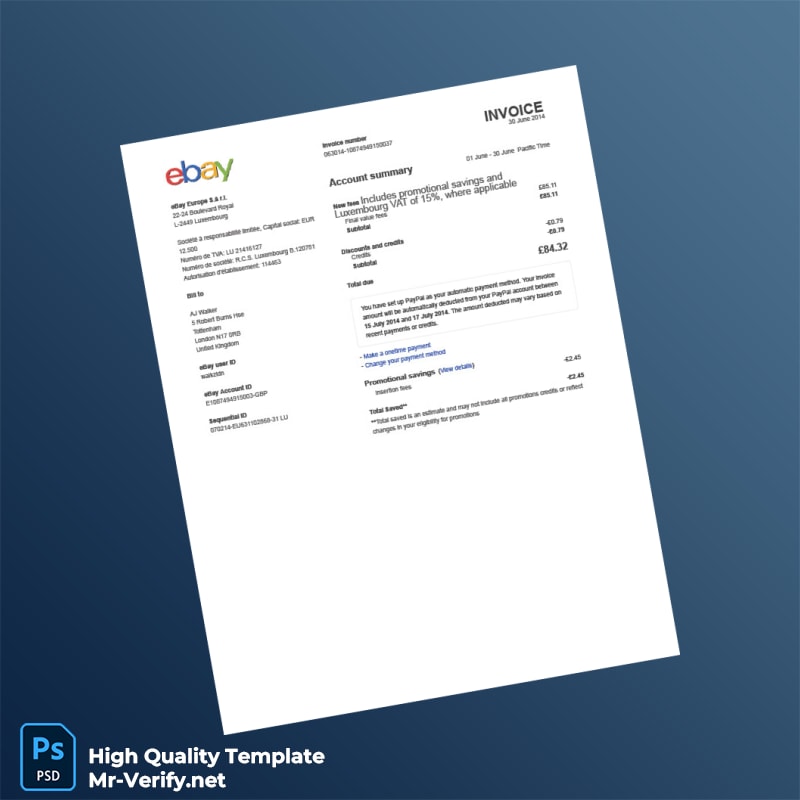
Creating invoices that meet expected visual standards is vital for UK-based eBay sellers. Accurate invoices support timely payments, maintain business credibility, and reduce buyer confusion. However, recreating the precise layout, typography, and formatting can be challenging, particularly when aiming for professional results suited to eBay transactions. The difficulty often lies in matching fonts, spacing, and alignment to official invoice styles, which affects trustworthiness and record keeping.
Addressing the Design Challenge with This Template
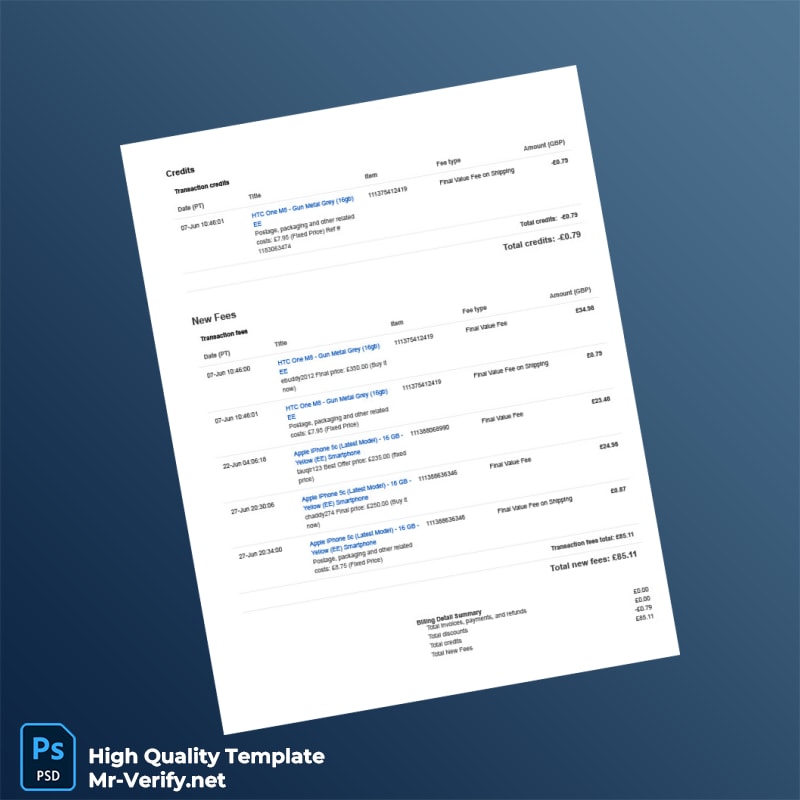
This UK eBay Invoice Template is engineered to overcome the challenge of digitally generated invoices appearing artificial or inconsistent. The design maintains high fidelity to typical UK eBay invoice structures with exact placement and proportional sizing of text fields and design elements. For further insights into document presentation quality and techniques, you can Read our technical guide on Document Quality.
Technical Visual Specifications
The template is crafted on a 1:1 scale, ensuring the printed output accurately reflects standard invoice dimensions. The typography matches common UK invoice fonts with precise kerning and line spacing, producing clear, readable text. Texture overlays mimic paper finish characteristics to avoid flat, unnatural surfaces, enhancing the professional appearance when printed or viewed digitally. These aspects combine to provide an invoice template with realistic visual fidelity.
For complementary professionally designed assets that maintain visual integrity, consider our fully editable wizardry diploma template.
Customization and Editing Workflow
Users can easily open the template files using widely available Word or PDF editing software. The layout supports editable fields for customer details, item descriptions, payment terms, and branding elements without disrupting the design structure. We recommend avoiding direct alteration of locked design layers to maintain the template’s visual consistency. If you wish to broaden your document resources, explore our high resolution diploma template for additional professional document templates.
Production and Printing Recommendations
For best print results, use high-quality matte or satin paper to reduce glare and enhance legibility. Set your printer to at least 300 DPI for crisp text and images. When photographing or scanning, avoid direct flash or strong reflections that can obscure details. To complement your invoice management system, consider adding the editable extended diploma invoice template to your toolkit.




Reviews
There are no reviews yet.