
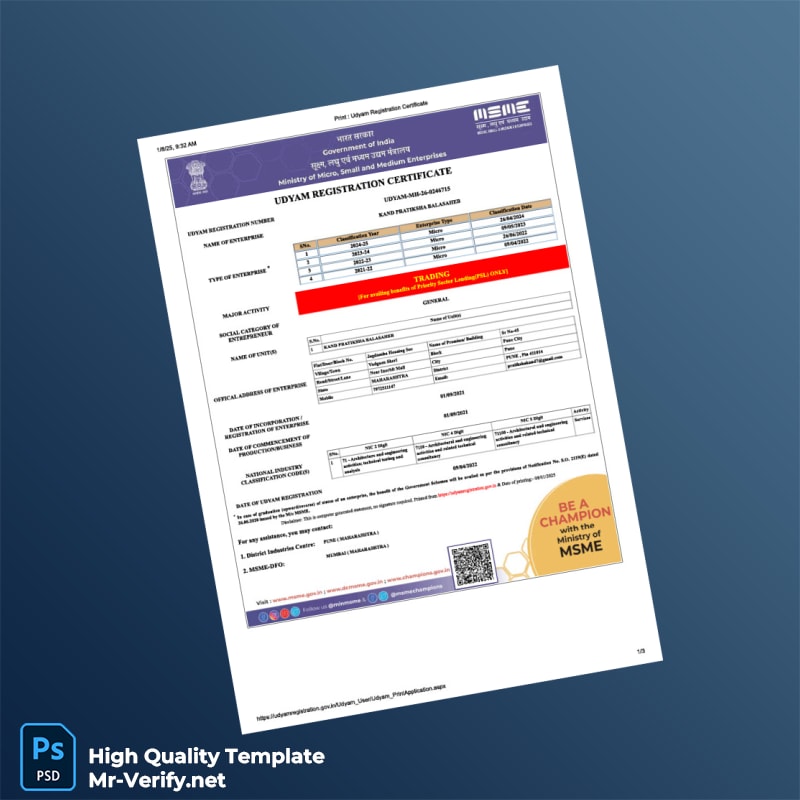
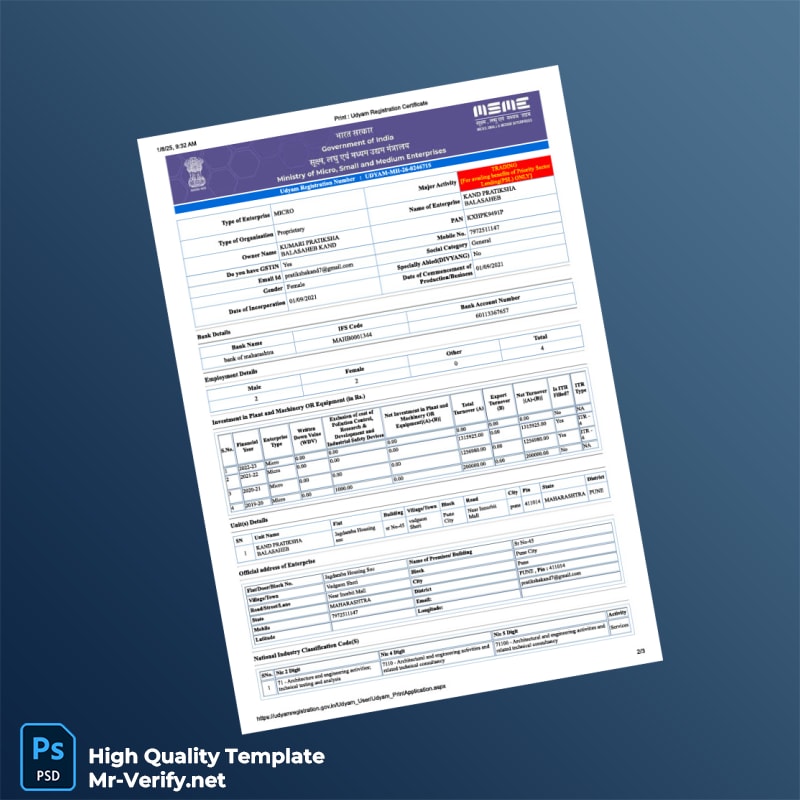


Understanding the Importance of Visual Accuracy in Udyam Registration Certificates
High visual fidelity is critical when producing an editable Udyam Registration Certificate template, especially given the official nature of the document. The certificate’s design requires careful replication of typography, layout, and spacing to match government-issued originals. Even slight alterations in font size, spacing, or positioning can easily reveal unofficial documents. Ensuring the template mirrors the exact format and style helps businesses produce certificates that meet compliance standards and maintain a professional appearance. Achieving this level of precision relies on meticulous attention to detail, as government registrations depend heavily on specific formatting guidelines.
Solving the Design Challenge with Precision-Engineered Templates
Many editable certificate templates available online suffer from digital oversimplification, making them easy to distinguish from authentic documents. Our template addresses this by focusing on technical accuracy, recreating the exact layout structure, font choices, and spacing as seen in official Udyam certificates. This strategic design approach eliminates the ‘flat’ or artificial look common with generic templates. Additionally, understanding document standards extends beyond design, which is why you may find value in learning more about document authenticity and quality control. For an in-depth technical perspective on maintaining document quality, read our technical guide on Document Quality.
Technical Visual Specifications of the Template
The template delivers professional-grade specifications tailored for precise results:
- 1:1 Scale Accuracy: Designed to match the original certificate size exactly, ensuring the document fits all standard frames and holders.
- Exact Typography Match: Utilizes the official fonts and character spacing employed by the Udyam registration authority. Fonts come preloaded to guarantee consistency across various devices and printers.
- High-Resolution Layout: Maintains edge-to-edge sharpness at 300 DPI, ensuring clarity when printed or viewed digitally.
- Subtle Texture Overlays: Incorporates light background textures that replicate the paper stock feel of official certificates, preventing the document from appearing digitally flat.
For those expanding their document design resources, consider this related asset: India Swami Vivekananda School of Engineering and Technology Diploma Template.
Customizing and Editing Your Certificate Template
This three-page template is fully editable in both Microsoft Word and PDF formats, giving you flexibility regardless of your preferred software. Upon opening the template, you will find clearly marked text fields where you can input accurate business information such as name, registration number, address, and date. These fields are set up to preserve the design integrity, so editing text does not disrupt the alignment or font styles.
To ensure a smooth editing experience, the template uses Smart Objects (in PDF) or predefined styles (in Word) that maintain consistency throughout the document. Users can easily replace placeholder text without adjusting formatting manually. This approach minimizes errors and reduces the time needed to customize.
Expand your editing toolkit with complementary resources like the Spain Grupo Menta Formación Diploma Template, which demonstrates advanced editable document workflows.
Production and Printing Recommendations
To preserve the precise visual features of your customized certificate, printing on high-quality, matte finish paper stocks is recommended. Matte paper minimizes glare and reflections, which is important for photos or scans used in official processes.
Use printers capable of 300 DPI or higher to maintain image sharpness and detailed text integrity. Avoid settings that compress the output image, as this can soften the printed text and affect legibility.
When photographing or scanning the printed certificate, keep the light source diffused and avoid direct flash that creates glare spots. Following these guidelines helps maintain the document’s visual fidelity and professional presentation.
To complete your professional documentation suite, consider pairing this template with the India Rajiv Gandhi Proudyogiki Vishwavidyalaya Diploma Template.




Reviews
There are no reviews yet.