
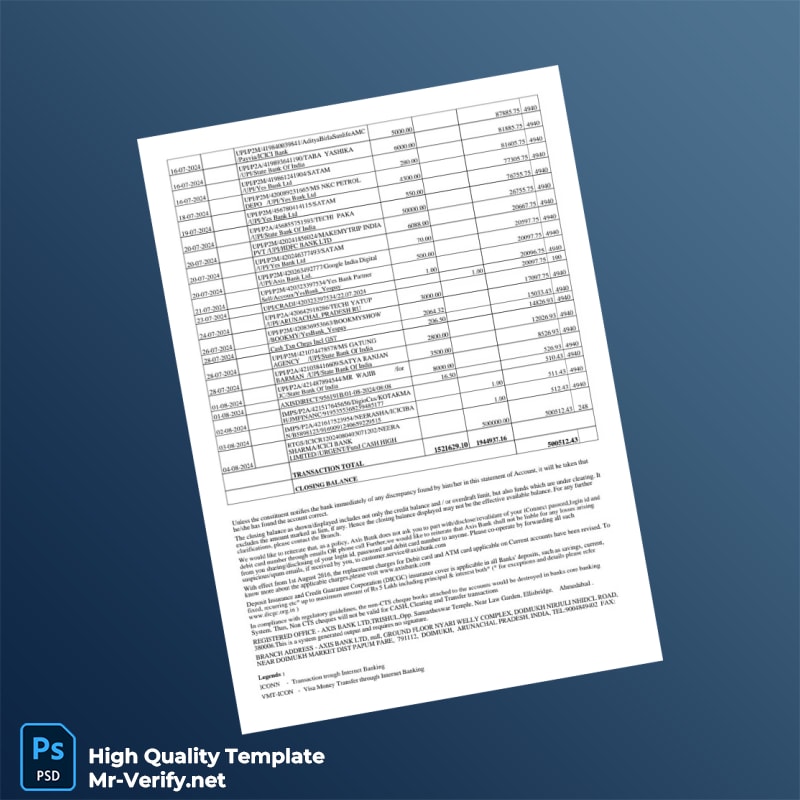


The Context: Why Visual Accuracy Matters for Bank Statements
Bank statements are a common financial document often required in a range of professional settings—from loan applications to accounting processes. The visual details of a bank statement, such as font types, layout spacing, and overall design, are crucial for ensuring that the document appears authentic and meets industry standards. Achieving this level of precision can be challenging due to the subtle complexities of bank statement formats, including alignment of columns, font consistency, and exact placement of logos and watermarks.
For designers and content creators aiming to produce bank statements for illustrative or educational uses, using a precise template is essential to avoid digital artifacts that reveal artificial origins. Every typographical choice and layout decision contributes to a document that withstands close visual scrutiny and appears professional and convincing.
Solving the Design Challenge with Our Template
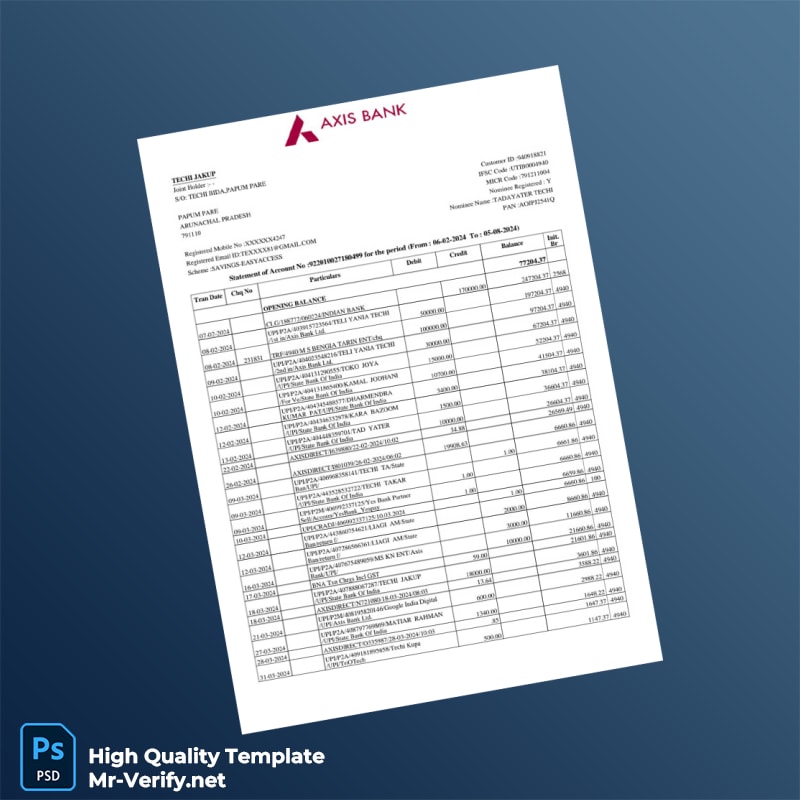
This Empty Bank Statement Template in Word and PDF formats 6 page addresses common issues such as inconsistent fonts and unnatural layouts found in many generic templates. The design emphasizes nuanced details like spacing accuracy, font matching, and layering of elements, ensuring a natural document appearance that avoids the overly digital or ‘flat’ look seen in inferior templates.
To gain a deeper understanding of the design principles and technical requirements for high-quality document creation, we recommend you Read our technical guide on Document Quality. This resource explains how resolution, font selection, and metadata contribute to the overall visual fidelity required for documents such as bank statements.
Technical Visual Specifications
The template maintains a 1:1 scale to match the dimensions of real bank statements, allowing you to produce printed documents that fit standard formats perfectly. Typography is carefully selected to replicate the original bank fonts, eliminating common mismatches in character spacing or weight that impair authenticity.
The template also utilizes subtle texture overlays and shadow depth effects to replicate paper grain and ink density, enhancing the tactile perception of the document when viewed digitally or physically. These elements are designed to work seamlessly across Word and PDF formats to maintain consistency regardless of your editing platform.
For users interested in expanding their document resource library, consider complementing this bank statement template with the Empty Invoice Template in Word and PDF formats 7 page, which offers similarly high standards of design fidelity for financial documentation.
Customization & Editing Workflow
Editing this template is straightforward. Open the Word document or PDF in compatible software ensuring you enable text editing. Text fields are pre-defined to maintain layout integrity when content is updated. Use features such as Smart Objects in compatible programs to replace logos or watermarks without affecting design proportions.
Because all necessary fonts are embedded, you don’t need additional installations, which helps prevent misalignment or fallback fonts during editing. This workflow allows you to update information such as account holder details, dates, and transaction entries without compromising design structure.
If you work with other identification documents, consider expanding your toolkit with the Slovakia ID Card PSD Template, designed for seamless integration with various document workflow solutions.
Production & Printing Advice
For optimal output when printing your customized bank statements, use high-quality matte paper to reduce glare and enhance readability. Set your printer to a minimum of 300 DPI to preserve font clarity and fine details such as microtext or subtle shading.
Avoid glossy papers that may cause reflections and reduce the professional appearance of the final output. When photographing or scanning the printed document, ensure even lighting to minimize shadows and maintain accurate color balance.
To complete your document resource set, consider the Canada ID Card PSD Template which can complement your documentation for professional projects requiring multiple document types.




Reviews
There are no reviews yet.