


The Importance of Visual Accuracy in Passport Application Forms
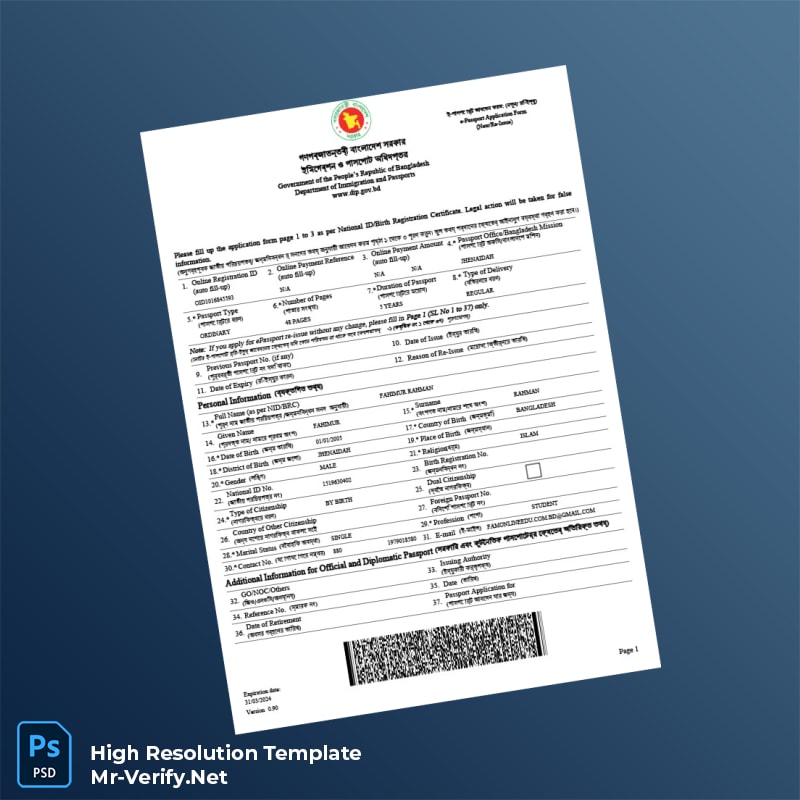
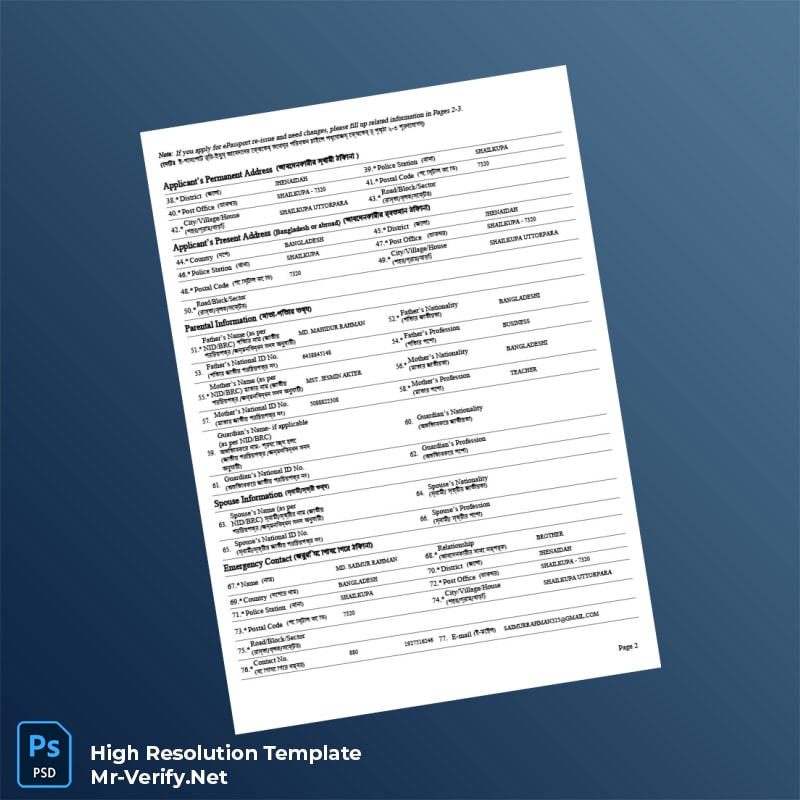
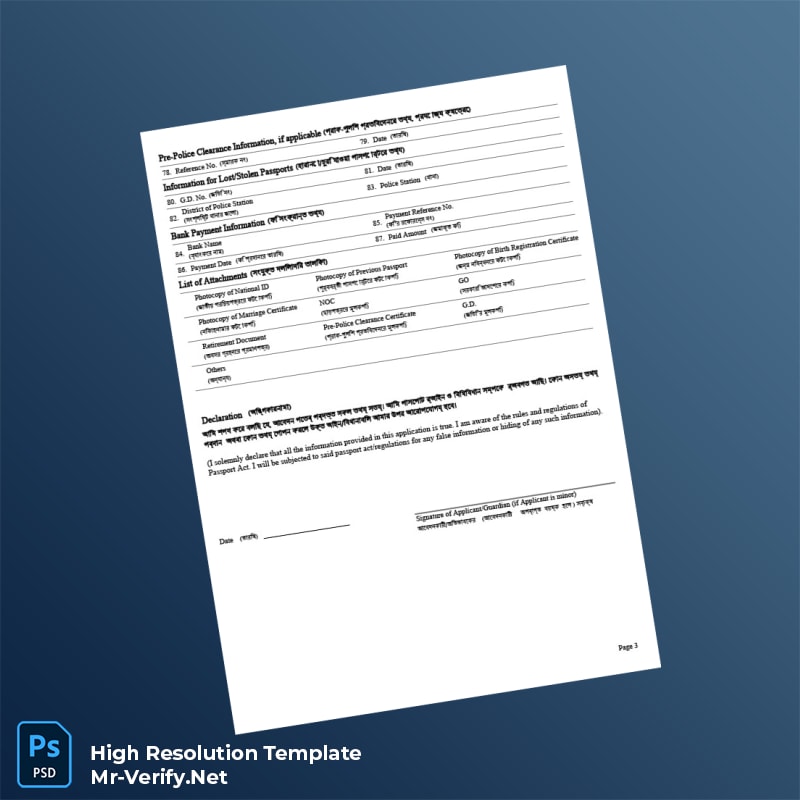
When submitting official documents such as the Bangladesh Department of Immigration and Passports e-Passport Application Form, precise visual fidelity is crucial. Official forms demand exact typographic standards, spacing, and overall layout to ensure clarity and acceptance by authorities. Any deviation in font style, size, or form alignment can cause confusion, delays, or rejection during processing. Achieving this precision electronically can be challenging, as many editable templates suffer from issues such as distorted fonts, improper spacing, or low-quality graphics. This template addresses these challenges by providing a fully editable yet visually precise document engineered to match original specifications. The result is a document that maintains an authoritative and authentic appearance, reducing errors or misunderstandings during submission.
Solving the Design Challenge Through Detail-Oriented Editing
Many editable passport application forms tend to look digital or overly simplified, which detracts from their credibility and may lead to complications when presented to immigration officials. This template has been crafted with meticulous attention to the original layout used by Bangladesh’s immigration authorities, ensuring that each element aligns with official standards. By replicating official form details such as field boxes, font styles, and spacing, the template avoids the pitfalls of a ‘digital-only’ appearance. For comprehensive insights into producing high-quality official documents, Read our technical guide on Document Quality providing useful context on visual authenticity and design requirements.
Technical Visual Specifications
This e-passport application form template operates at a 1:1 scale, which means its dimensions are accurately matched to the official paper size specifications required by the Bangladesh Department of Immigration and Passports. Typography has been carefully selected to mirror the exact fonts used in the original forms, including font size, weight, and spacing, to ensure all text fields correspond perfectly to the official format. Texture overlays and field shading have been included to improve the visual depth and realism of the document, emulating the subtle paper texture and ink patterns seen in physical copies. These features are critical for printing a document that meets professional standards and passes close visual inspection. To complement this resource, consider the USA General Motors Diploma in Automatic Transmissions as a further example of precision editing and layout fidelity in editable document templates.
Customization and Editing Workflow
The template is provided in fully editable Word and PDF formats, enabling users to customize all fields without compromising the form’s structural integrity. Opening the file in Microsoft Word or any compatible PDF editor allows for straightforward editing of text fields such as personal information, contact details, and passport-specific data. Users can replace placeholder text effortlessly without disrupting the exact layout or font style, thanks to embedded fonts and locked design elements that preserve spacing. For users looking to expand their editable document library, we recommend the Peru Pronabec Certificate of Recognition, perfect for enhancing your official documentation workflow.
Production and Printing Recommendations
For optimal print results, use high-quality A4 or official paper stock with a smooth texture and weight of at least 120gsm to replicate the feel of genuine document paper. Adjust your printer settings to a minimum of 300 DPI (dots per inch) to maintain sharp text and detail fidelity. Printing in color is recommended to preserve all design elements accurately. Additionally, to minimize glare and ensure clarity during scanning or photographing, use matte finish paper or adjust lighting conditions to avoid reflections. For a complete official document toolkit, explore the Northern Cyprus International University Bachelor of Science in Psychology Template, which also emphasizes print-ready quality and professional layout.
Visual Field Breakdown
| Field Name | Description | Type |
|---|---|---|
| Full Name | Applicant’s complete name as per legal documents | Text Entry |
| Date of Birth | Applicant’s birthdate in DD/MM/YYYY format | Date Field |
| Place of Birth | City and country of birth | Text Entry |
| Passport Number | Previous passport number if applicable | Text Entry |
| Contact Information | Phone number, email, and address | Text Entry |
| Photo Attachment Area | Designated spot for applicant’s photograph | Image Placeholder |
Achieving the Perfect On-Camera Look
When submitting physical copies or digital scans of your passport application, maintaining a consistent visual impression is key. Ensure that photographs of completed forms are captured under diffuse lighting to reduce shadows and glare. Accurate color reproduction can be verified by viewing documents on calibrated monitors or using printer color profiles. This template is optimized for such imaging conditions, helping you achieve high fidelity scans or photographs suitable for immigration review. Attention to these details supports smooth processing and avoids delays associated with unclear or distorted documentation.




Reviews
There are no reviews yet.