



The Importance of Visual Accuracy in Bank Statement Templates
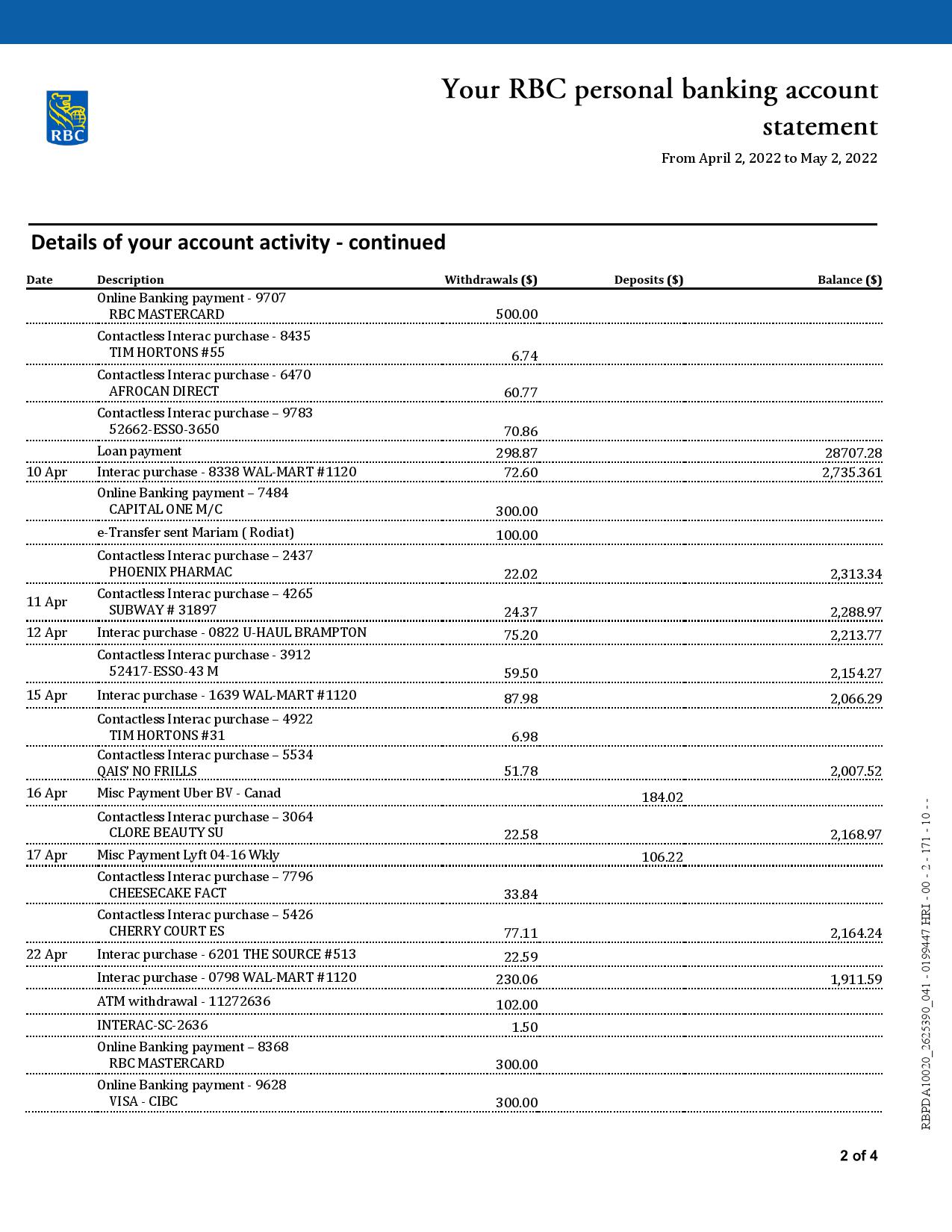
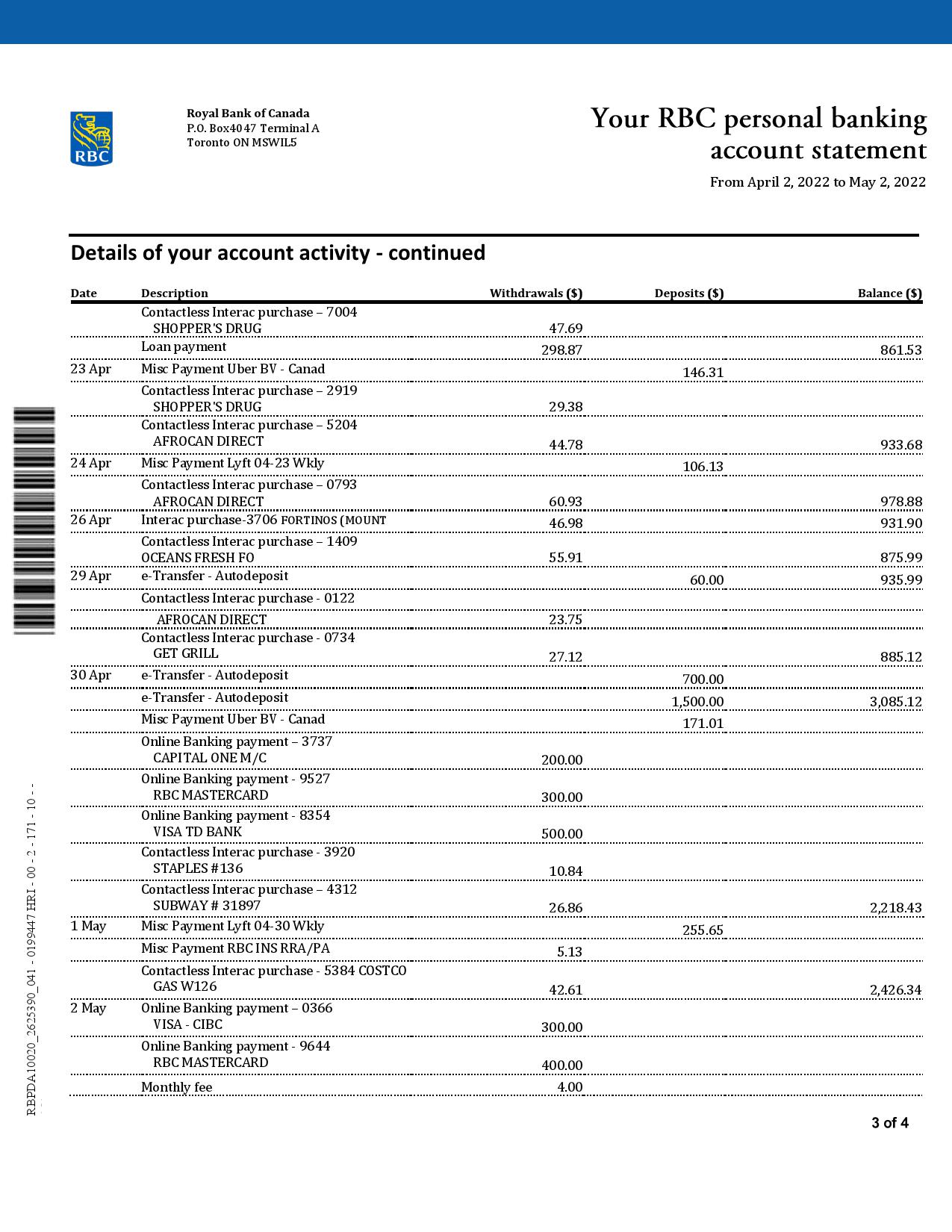
Bank statements are complex documents that combine varied visual elements such as fonts, layout, and textures. Achieving a high degree of visual accuracy is essential when creating a bank statement template, especially for institutions like the Royal Bank of Canada (RBC), whose documents have a distinctive style. The challenge lies in replicating the exact typography, spacing, and arrangement of information without the document appearing digitally fabricated or generic. Matching the precise font styles and the document’s layered visual hierarchy ensures the template can hold up under close examination, especially for any professional or illustrative use.
Addressing the Design Challenge
This RBC bank statement template resolves the common issue of ‘digital-looking’ documents by implementing detailed layer-based design techniques. Each element—from headers to transaction tables—is arranged to replicate RBC’s original layout, including accurate font styling and spacing. By focusing on these details, the template avoids artificial visual inconsistencies often found in less sophisticated files. For designers interested in the underlying principles of achieving top-tier document quality, Read our technical guide on Document Quality which delves into resolution, fonts, and metadata essentials for design fidelity.
Technical Visual Specifications
This bank statement template is precision-engineered at a 1:1 scale to match the original RBC documents. Typography uses exact font matches reflecting RBC’s proprietary styles, ensuring text integrates seamlessly into the design. Texture overlays simulate the subtle paper grain and print effects found on authentic bank statements, enhancing photorealism. Each page is layered carefully to allow users to control individual elements without disrupting the overall layout. For designers seeking complementary resources, consider the Canada George Brown College Ontario College Certificate – Fully Editable (High Resolution), which shares similar high-resolution layering techniques suitable for detailed document work.
Customization and Editing Workflow
Opening and editing the RBC bank statement template is straightforward with Microsoft Word or compatible software. The file’s layered setup allows easy modification of key fields, including personal details, dates, and numeric entries, via editable text boxes. Images such as photos can be updated using smart object layers without impacting surrounding elements. Proper use of these features maintains the document’s visual consistency. To expand your editable document toolkit, explore the Canada College of New Caledonia Business Management Diploma Template – Fully Editable & Print-Ready 2 Page which offers similar structure and practical workflow for document editing.
Production and Printing Recommendations
For optimal print results, use high-quality, matte-finish paper to best replicate bank statement textures and reduce glare in photographs. Print with a minimum of 300 DPI using professional laser or inkjet printers for sharp text and image clarity. It’s advisable to adjust printer settings to prevent oversaturation, ensuring the colors and fonts retain their intended appearance. To complement your document production resources, the Canada George Brown College Ontario College Certificate Template – Fully Editable & High Resolution can serve as a guide for high-resolution print setup and finishing techniques.




Reviews
There are no reviews yet.