


Understanding the Importance of Visual Accuracy in Bank Statements
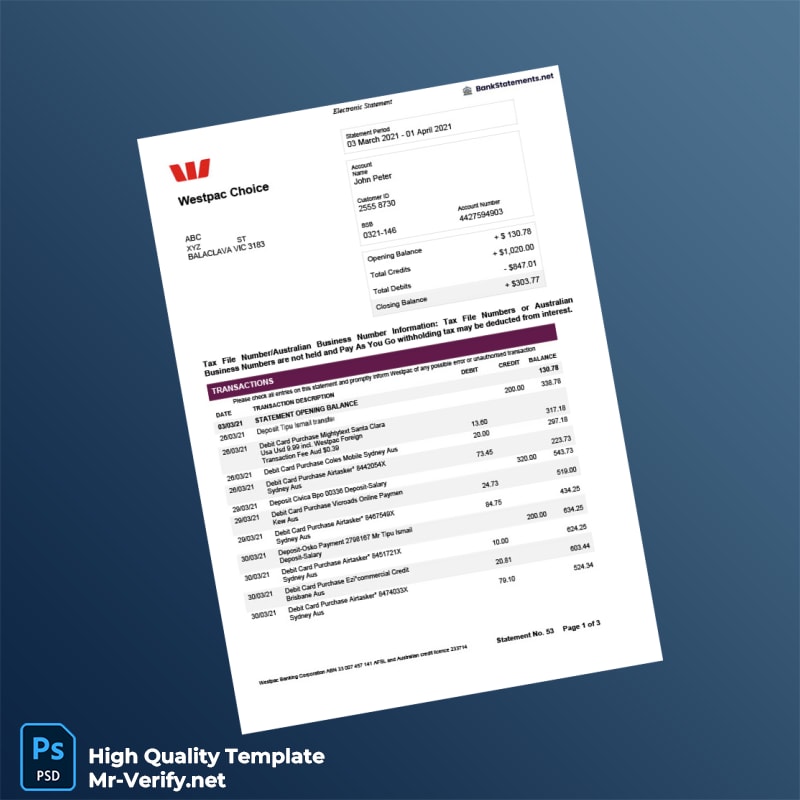
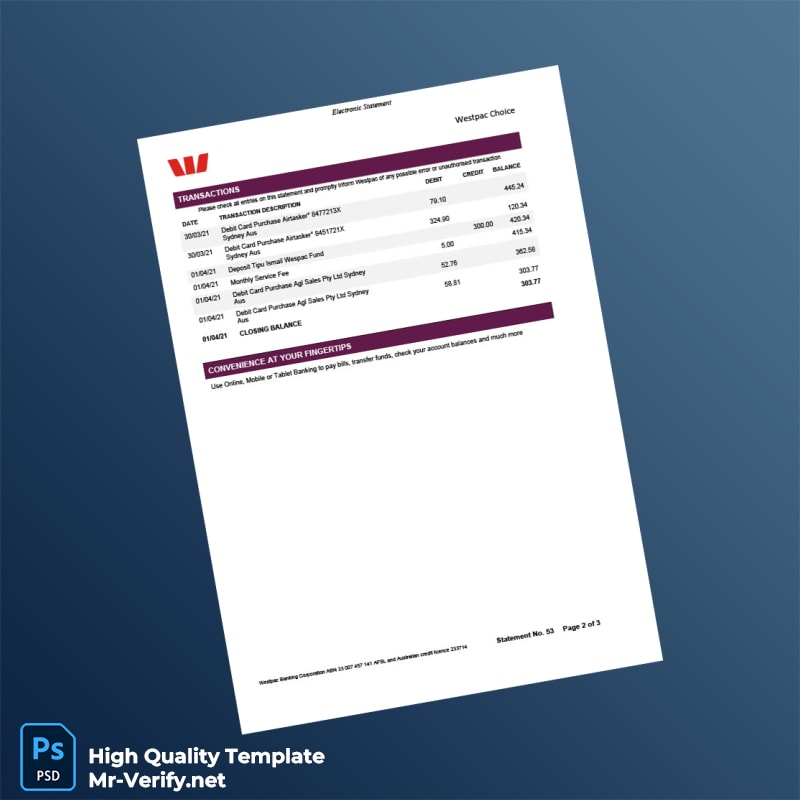
Producing a visually accurate bank statement requires careful attention to detail. Bank statements from Australia Westpac Bank follow a specific arrangement of logos, fonts, spacing, and security features that are not easily replicated. The typography must match exactly, and the spacing between text blocks and the positioning of elements such as transaction lists and bank details need to be consistent with the original. Even slight deviations in font weight or line height can make the document appear digital or artificial. For creative projects, presentations, or other lawful illustrative uses, having a professional-grade bank statement template greatly reduces the time and effort needed to recreate these details.
While obtaining original statements can sometimes be challenging, this template offers a practical tool designed to meet professional standards. The focus is purely on visual fidelity, ensuring that the layout and fonts are accurate and true to the original document. This precision supports users who require high-quality representations for design work or props.
Solving the Design Challenge with Precision-Based Templates
Many available digital templates suffer from oversimplification or lack of correct font usage, resulting in statements that look noticeably artificial. This Australia Westpac Bank Statement Template addresses those issues with exacting standards. The template replicates the original bank’s structure precisely, from margins and line spacing to font styles and sizes. The consistent use of color and shading reflects the original look without compromise.
In addition, the layered and editable file formats enable users to make necessary changes while preserving the core design integrity. For users interested in deeper insights about document quality and visual presentation, Read our technical guide on Document Quality to understand why resolution, fonts, and metadata matter in design accuracy.
Technical Visual Specifications
The template is engineered at a 1:1 scale, matching the exact dimensions of an official bank statement, preventing distortion when printing or viewing on screen. Typography uses the same font families, weights, and sizes found on Westpac’s official documents, carefully embedded to avoid formatting discrepancies. Additionally, fine texture overlays simulate the slight paper grain and subtle shadows found on printed statements, which helps avoid an artificial ‘flat’ appearance on digital displays.
This package includes both Word and PDF file formats. The Word files allow customizable content edits without modifying the precise layout, and the PDF files preserve the document’s fidelity for sharing or printing. The high-resolution files support clear printing up to professional standards. For those who need complementary assets, the Kenya Mombasa Polytechnic Diploma in Marketing Template – Fully Editable & Print-Ready can serve as an additional resource when creating various professional design documents.
Customization and Editing Workflow
The template is designed to be user-friendly for professionals and non-experts alike. Simply open the Word document in Microsoft Word or compatible editors. Editable fields include all textual information such as account names, addresses, transaction details, and dates. The layout consists of locked sections that maintain spacing and design consistency even while changes are made.
For users working with PDF files, use PDF editing software supporting form fields to make indirect changes without compromising design layers. The template does not rely on complicated layers like Photoshop; instead, it ensures accuracy while remaining accessible with standard office software.
To expand your template toolkit with other professional document designs, consider the Brazil FMU Technical Degree in Logistics Template – Fully Editable & Print-Ready. This offers similar flexibility for other document types.
Production and Printing Advice
To achieve the best results when printing the Australia Westpac Bank Statement Template, use matte or standard office paper with a brightness rating close to official bank paper, typically around 80-100 GSM. Avoid glossy paper which can cause glare and hinder photography or scanning.
Printer settings should utilize high DPI (at least 300) for sharp text and color matching. Ensure color calibration on professional printers is accurate to replicate the original tones used by Westpac. If photographing or displaying the statement, use diffused lighting to prevent reflections and reveal detail subtly.
For completing your collection of professional-quality templates, the Australia Edith Cowan University Diploma in Aviation Security Management – Fully Editable High Resolution 2 Page is a recommended asset for further precision design projects.




Reviews
There are no reviews yet.