
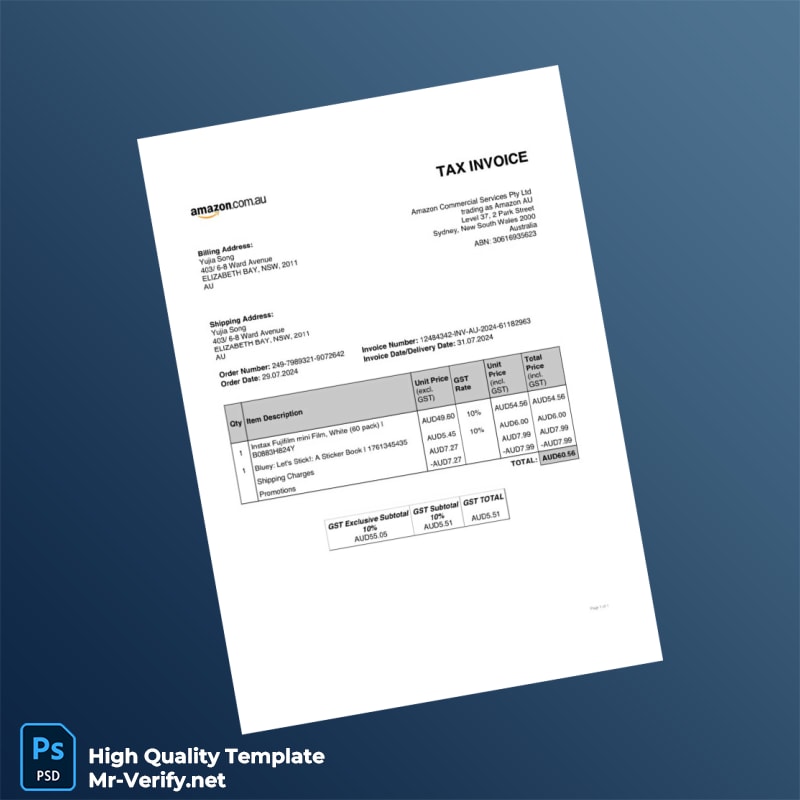
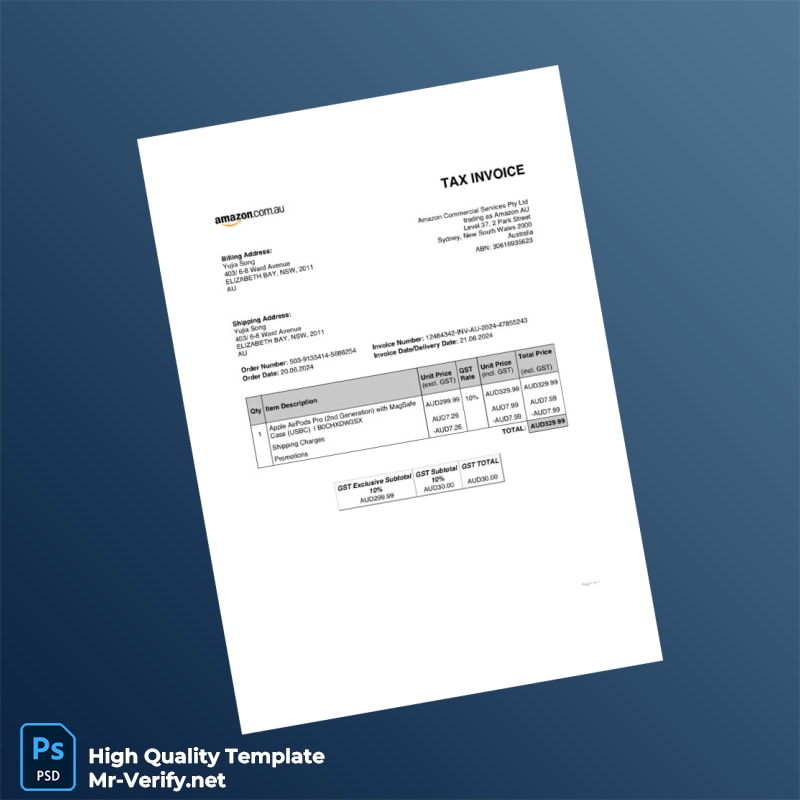


The Context: Importance of Visual Accuracy in Amazon Invoices
For Amazon sellers based in Australia, having a precise, professional invoice is essential for keeping clear financial records and meeting business standards. Invoice templates must accurately represent business details and transactional data without errors. Visual fidelity means replicating the exact font styles, layout, and spacing typical of official invoices to avoid confusion during accounting or audits. Achieving this requires a high level of detail in the template’s design, making sure all fields are clear, correctly aligned, and formatted to standard conventions. This exactitude helps prevent costly delays or rejections from clients, business partners, or tax authorities.
Solving the Design Challenge with This Template
Many editable invoice templates can appear overly simplified or “digital-looking,” which lowers their perceived professionalism. This Australia Amazon Invoice Template addresses these issues with careful attention to layout balance and typography, ensuring the document maintains a clean, official look. It allows sellers to customize details without losing structural integrity or risking misalignment. For users interested in broader document design quality, Read our technical guide on Document Quality to understand the critical features that influence document authenticity in digital formats.
Technical Visual Specifications
This template is engineered for exact 1:1 scale accuracy, matching the sizes and proportions used in official Amazon invoices. It preserves the original invoice’s font style and size using embedded fonts included in the package to avoid any discrepancies across different computers. Additionally, layered text and design elements allow precise placement of all invoice details. Texture overlays have been subtly applied to replicate the paper grain, which enhances visual realism on-screen and in print. These features collectively ensure every invoice printed or viewed digitally conveys professionalism and reliability.
For additional templates that complement your document assets, consider exploring the Australia Edith Cowan University Diploma in Aviation Security Management editable template. This resource expands your collection with consistent high-resolution, editable documents.
Customization and Editing Workflow
Editing this invoice template is straightforward for professionals familiar with Microsoft Word and PDF editing tools. Open the Word file or PDF in compatible software, then update text fields such as business name, invoice date, item description, quantities, and totals. The template uses layered objects to prevent layout breaking during editing. It allows you to customize without impacting other parts of the design. This workflow improves efficiency, reducing errors commonly found in free-form invoice creation.
If you want to further upgrade your document toolkit, check out the Australia TAFE NSW Diploma in Library and Information Services Template, another editable, high-resolution resource.
Production and Printing Advice
For best printing results, use a quality white or off-white paper with a smooth matte finish, which minimizes glare and improves scan clarity. Set your printer to a minimum of 300 DPI to maintain sharpness, especially for small text and fine lines. When photographing or scanning printed invoices for digital submission, avoid direct flash to prevent reflective hotspots. Proper lighting enhances detail capture and overall document clarity.
To complement your printed documentation set, consider the Australia University of New South Wales Graduate Diploma in Chemical Process Engineering Template, designed with similar attention to visual fidelity and print quality.




Reviews
There are no reviews yet.